Western Australian 3D Club Stereo Photo Gallery
Stereo Photographs can capture any subject matter including Landscapes, Seascapes, Cityscapes, Architecture, Flowers, etc. The art is in how effectively and correctly the depth is captured. Photographs may be traditional, undistorted, flat-screen content (rectilinear) or immersive whichh surrounds the viewer to provide a "being there" experience, often using fish-eye or spherical lenses. Below are collections of various styles used by club members.
All photographs are Copyright © to Club Members and are used with permission. All rights reserved.
- Viewer Quick Reference (click/tap to show)
| Menu | Dropdown | Key | Function |
|---|---|---|---|
| Full | Enter | Full-Screen mode (if supported by your browser) | |
| Size | |||
| Fit | F | Fit to Screen size | |
| - | - | Zoom out | |
| + | + | Zoom in | |
| Stereo | S | Dropdown menu for the stereo viewing method |
|
| SBS | Side by side (Computer monitor, Tablet, Large Print or Smart Phone 3D and VR Viewers) | ||
| LR/RL | Stacked SBS for Parallel/Cross view (free-viewing) | ||
| Colour | Colour Anaglyph (Red-Cyan glasses required) | ||
| H_Int. | Column Interlaced (Passive 3D monitor and Circular Polarised glasses required) | ||
| 2D | Single Image View | ||
| <- | Back space | Previous Image | |
| -> | Space Bar | Next Image | |
| M | Show/Hide menu buttons |

Click or tap on any photograph showing this icon to launch the HTML5 Stereo Viewer
16:9 Format Stereo Photography by Jeff Ewen
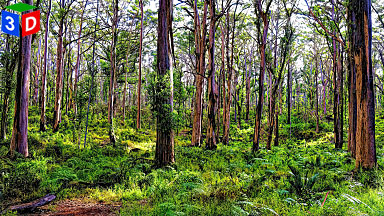 Boranup Recovery |
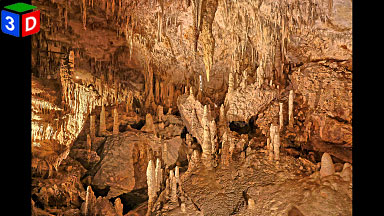 Mammoth Cavescape |
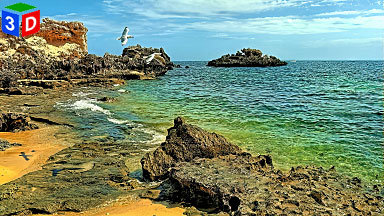 The Wanderers |
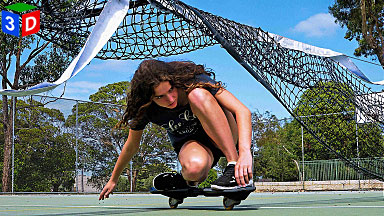 I Can Make This |
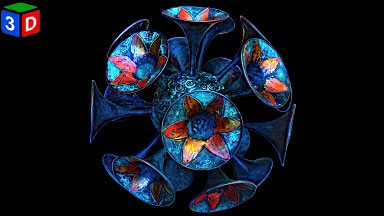 Trumpets |
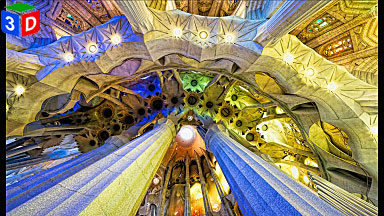 Sagrada Familia |
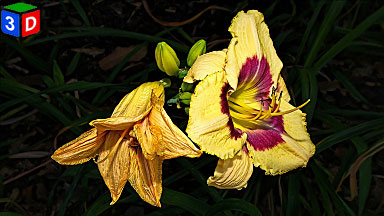 Shift Changers |
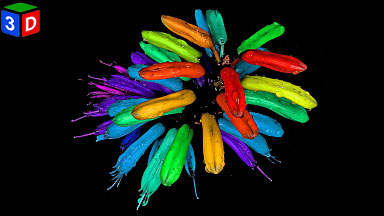 Alternative Erythrina |
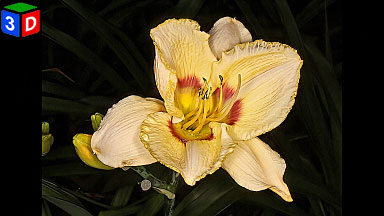 Daylily |
16:9 Format Stereo Photography by Jana Ewen
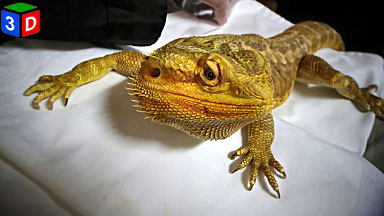 Dragon |
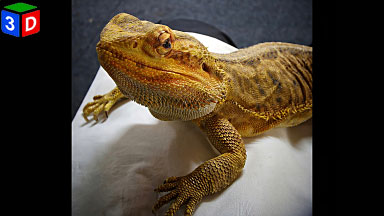 Claws |
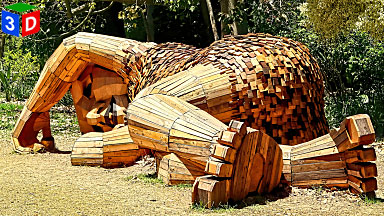 Billie Bob |
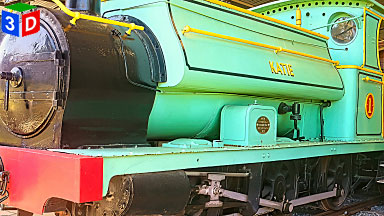 Katie |
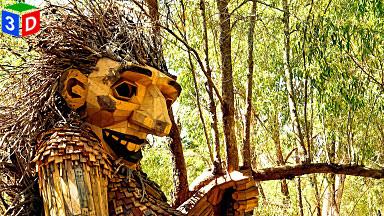 Little Lui |
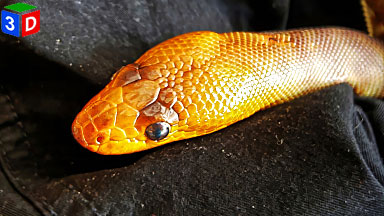 Mangoe |
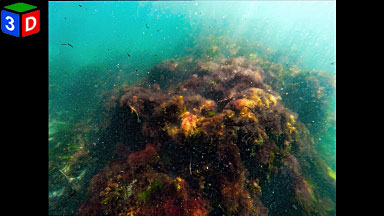 MAAC Snorkel Trail |
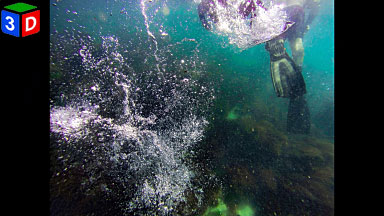 Fins |
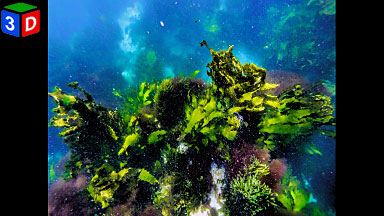 Seaweed |
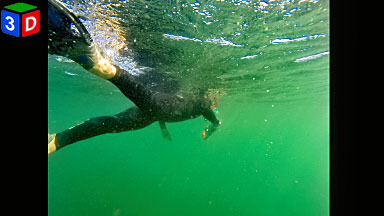 Mystery Diver |
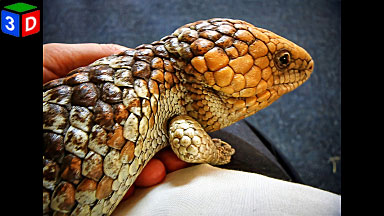 WA Bluetongue |
 York |
16:9 Format Stereo Photography by Sarah Ewen
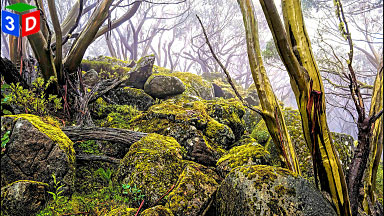 Snow Gums at Mt Baw Baw |
 Autumn in East Perth |
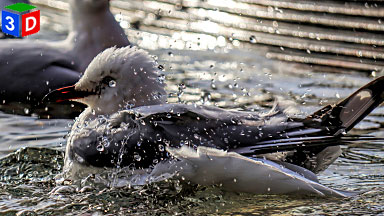 Bath Time |
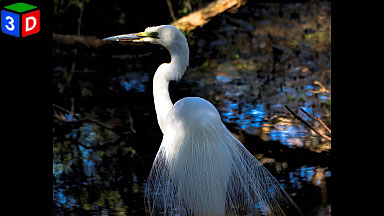 Eastern Egret |
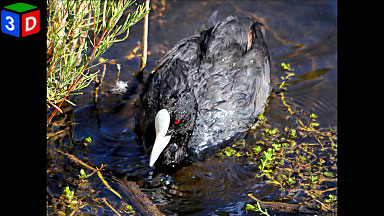 Coot |
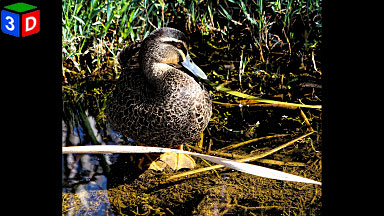 Pacific Black Duck |
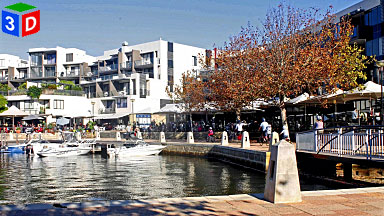 Cafe Strip |
 Cevantes Dunes |
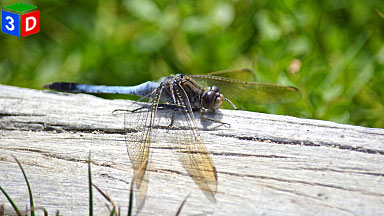 Dragon Fly |
 Chess Pieces |
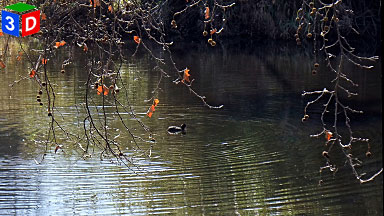 Hyde Park Lake |
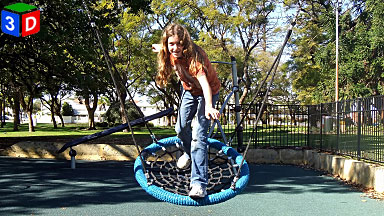 Balancing Act |
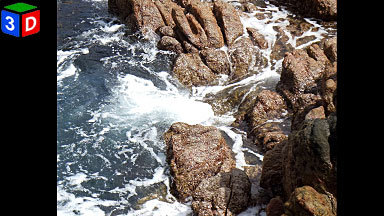 Rocky Shore |
 Duck Huddle |
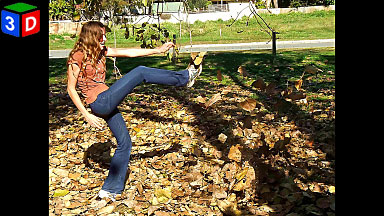 Leaf Kicker |
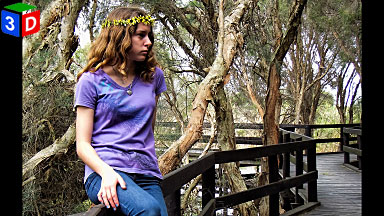 Rachael |
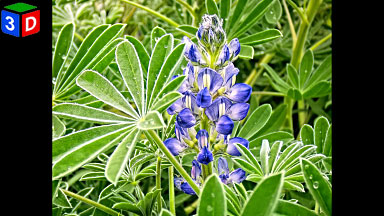 Blue Lupine |
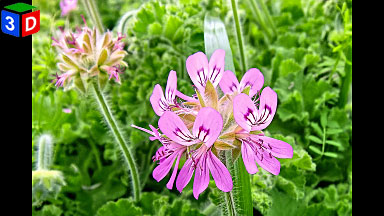 Rose Geranium |
 Polypore Fungus |
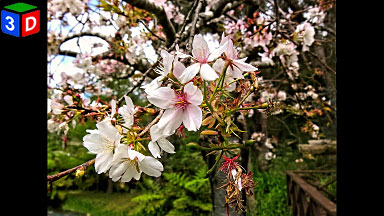 Japanese Cherry Blossom |
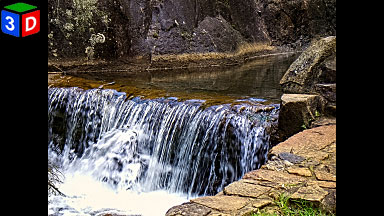 Araluen Waterfall |
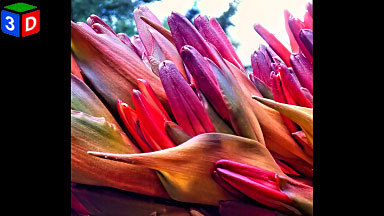 Giant Spear Lily |
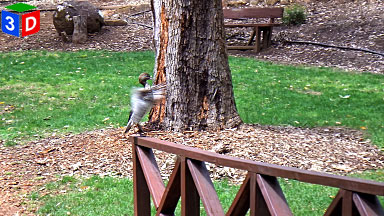 Warming Up |
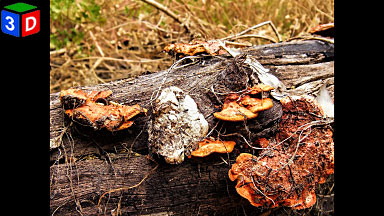 Scarlet Bracket Fungus |
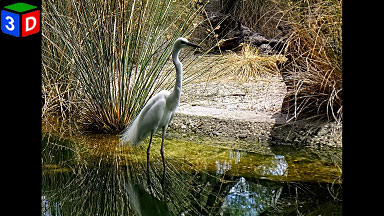 Eastern Great Egret |
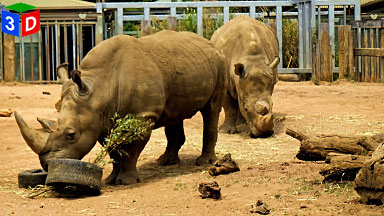 Southern White Rhinos |
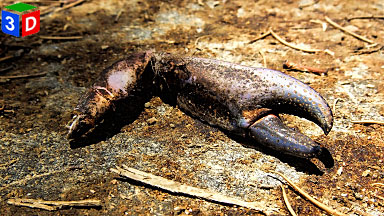 Claw |
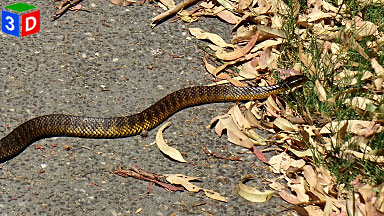 Tiger Snake |
 Cottesloe Beach |
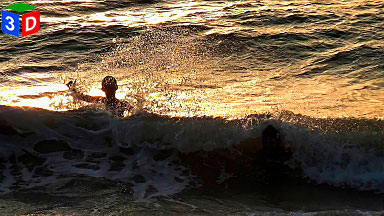 Sunset Splash |
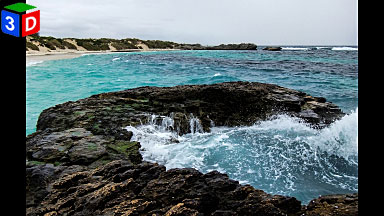 Rottnest Pool |
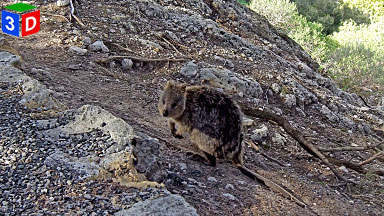 Quoka |
 Pole Sitters |
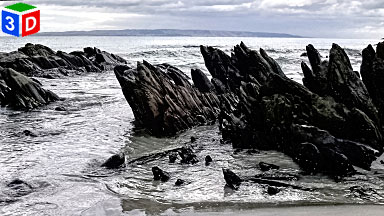 Kangaroo Island |
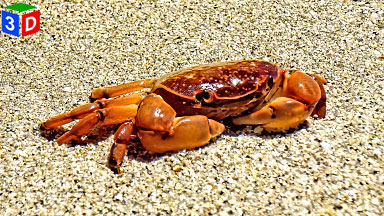 Smooth Shore Crab |
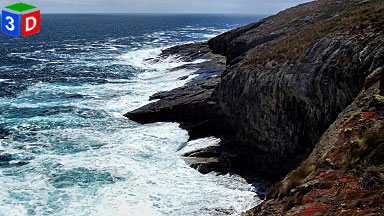 Kangaroo Island Cliffs |
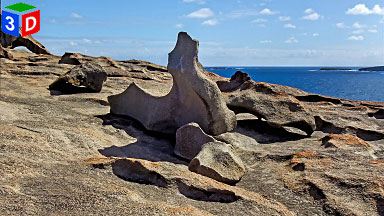 Wind Sculpture |
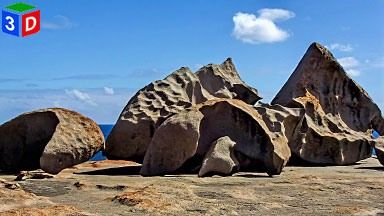 Wind Sculpture |
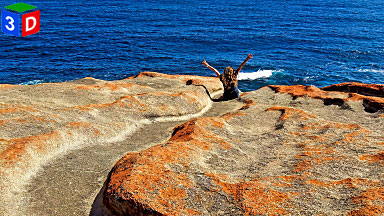 Sliding Away |
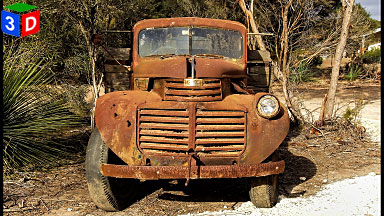 Better Times |
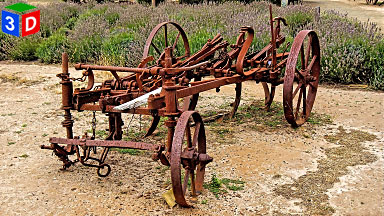 Out for Repairs |
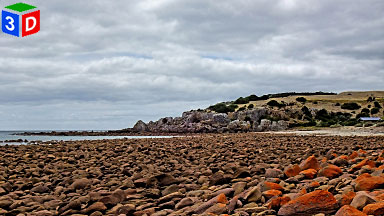 Rocky Beach |
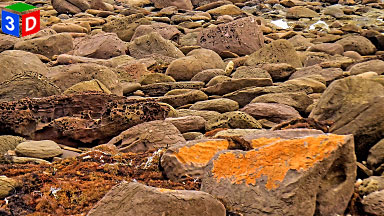 Rocky Foreshore |
 End of the Road |
 Ibis Family |
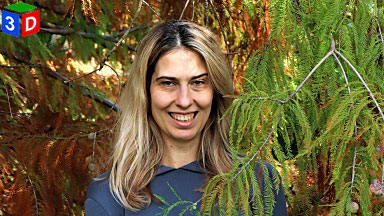 Ioana |
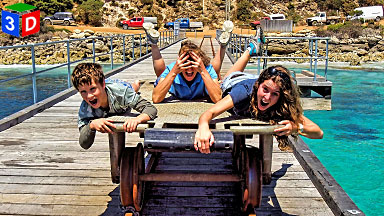 Jetty Ride |
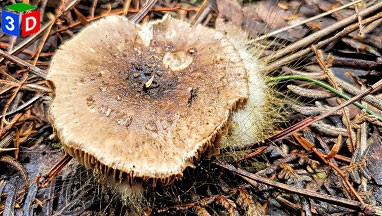 Fungi |
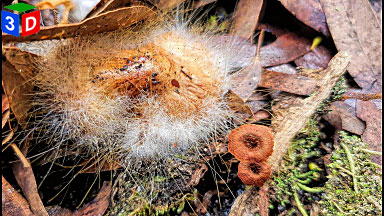 Fungi |
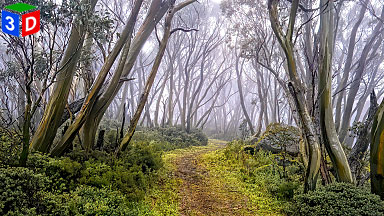 Snow Gums 2 |
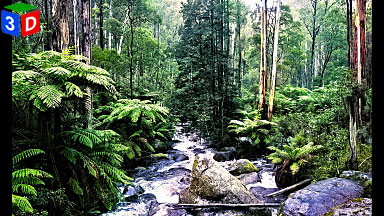 Toorongo Falls 2 |
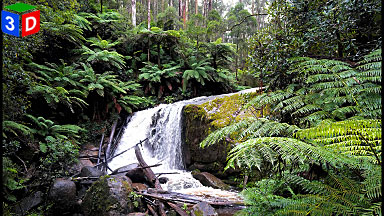 Amphitheatre Falls |
 Snow Gums 3 |
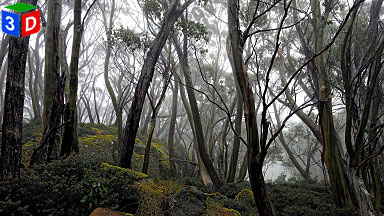 Snow Gums 4 |
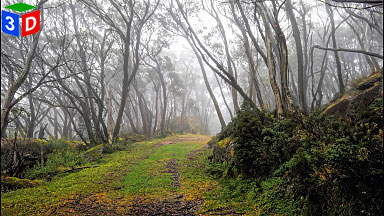 Snow Gums 5 |
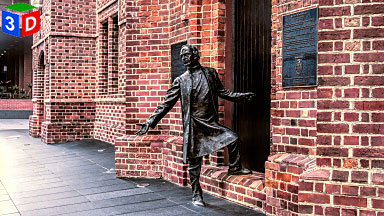 Statue of Bishop Mathew Hale |
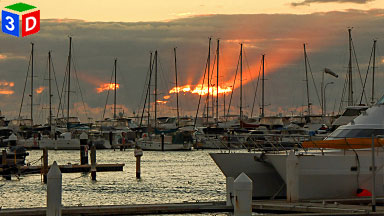 Sunbeam at Hillarys |
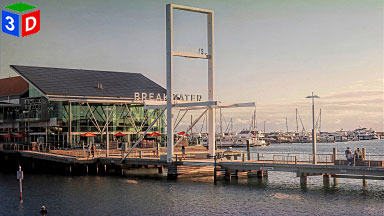 The Breakwater |
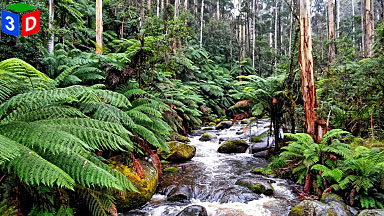 Toorongo Falls |
 Walyunga |
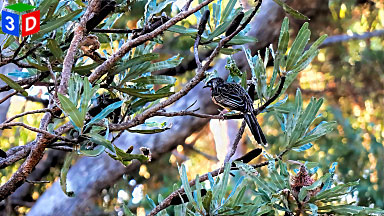 Wattle in Wattle |
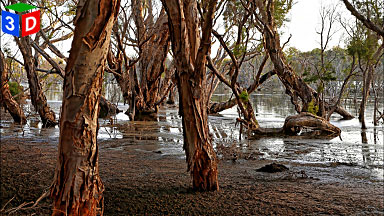 Yellagonga |
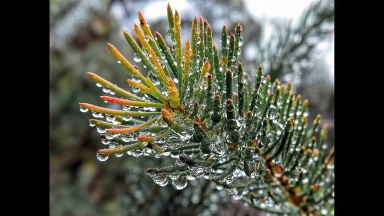 After the Rain |
16:9 Format Monochrome Stereo Photography by Sarah Ewen
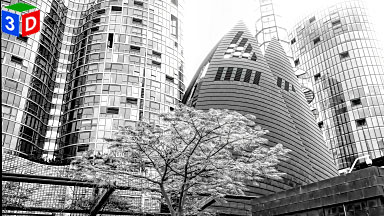 Bell Tower Precinct |
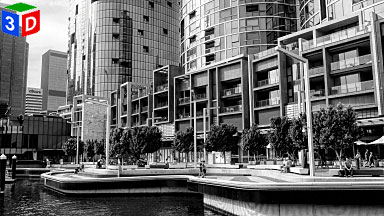 Ritz Carlton Quay Front |
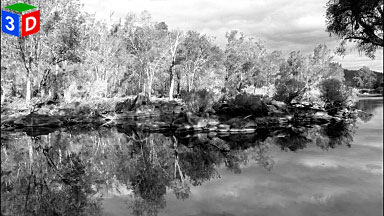 Swant River at Walyunga |
 Closed |
 Barrack Square |
 Walyunga Hills |
16:9 Format Stereo Photography by Robert McRostie
 Flowers 1 |
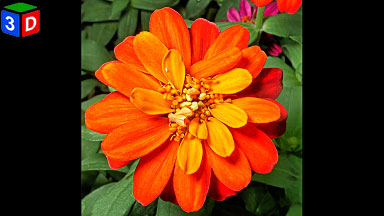 Flowers 4 |
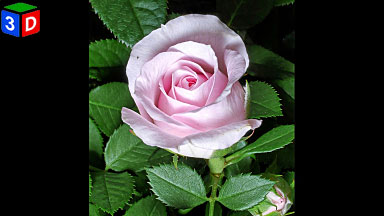 Flowers 5 |
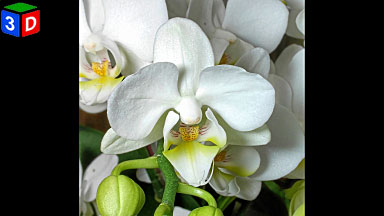 Flowers 6 |
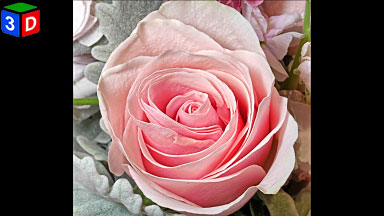 Flowers 7 |
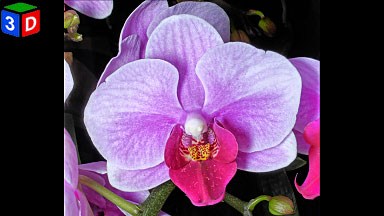 Light Pink Orchid |
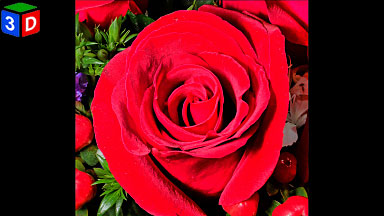 Deep Red Rose |
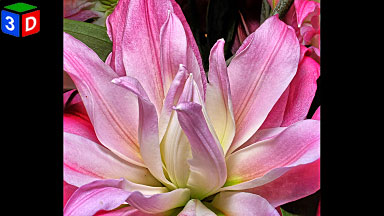 Blooming Flower |
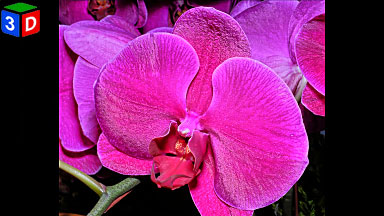 Pink Orchid |
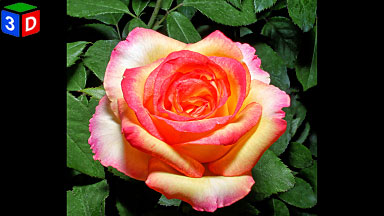 Variegated Rose |
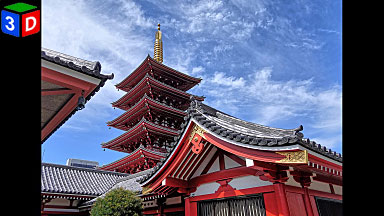 Pagoda and Roof Tops Japane |
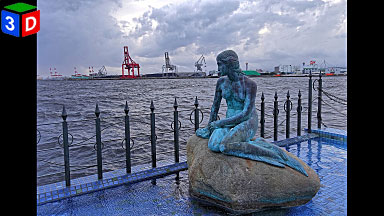 Danish Mermaid in Osaka |
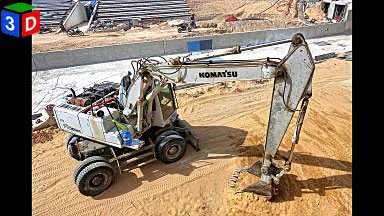 Digger in the Sand |
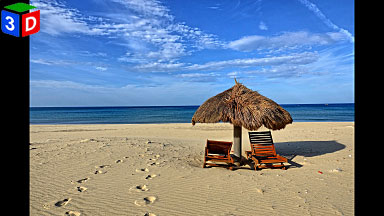 Chairs on the Beach |
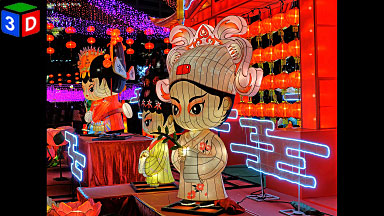 HK Mid Autumn Lantern Display |
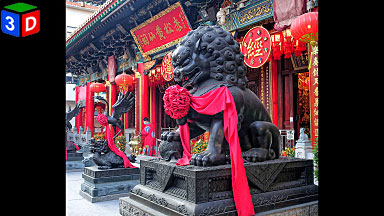 Lion All Dressed Up |
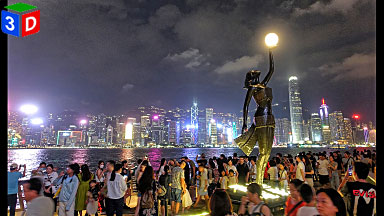 Ave of Stars HK at Nighttime |
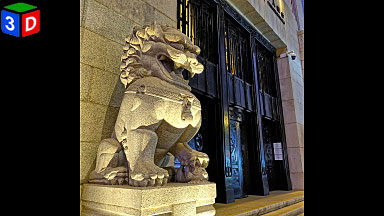 Stone Lion at Night |
1:1 Format Stereo Photography by Sarah Ewen
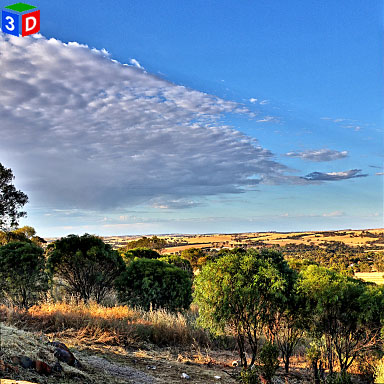 Mount Brown #1 |
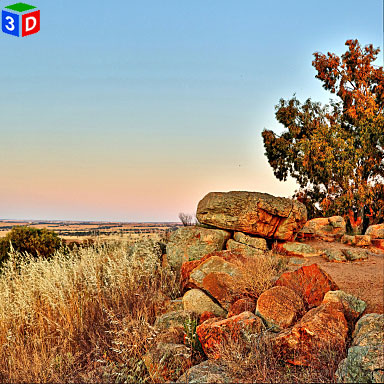 Mount Brown #2 |
 Mount Brown #3 |
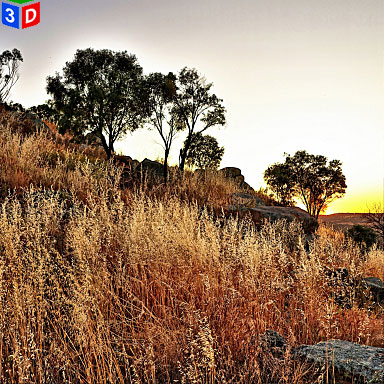 Mount Brown #4 |
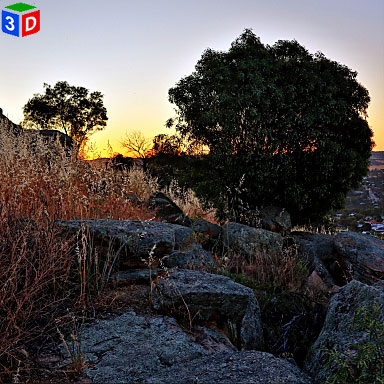 Mount Brown #5 |
 Mount Brown #6 |
1:1 Format Stereo Photography by Jeff Ewen
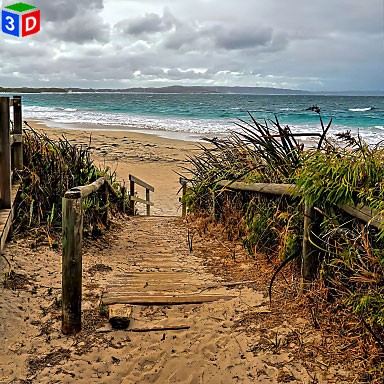 Cosy Corner Beach |
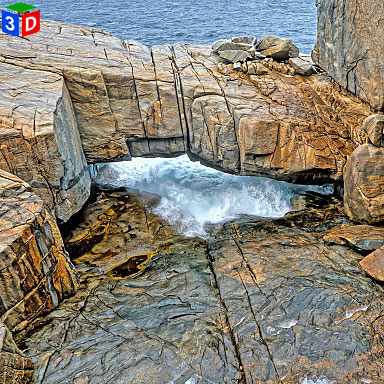 Natural Bridge |
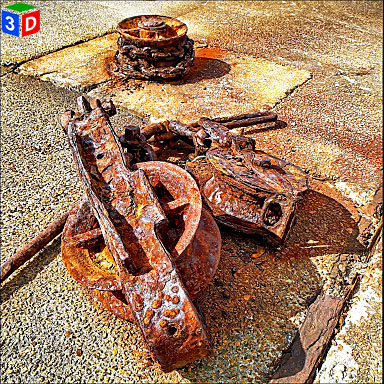 Albany Whaling Station |
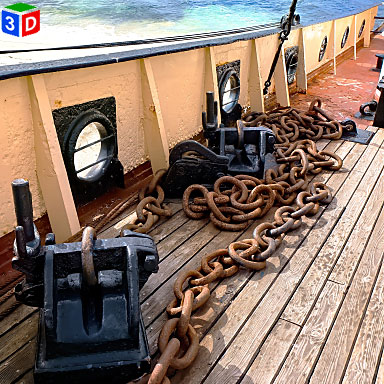 Cheynes IV Whale Chaser |
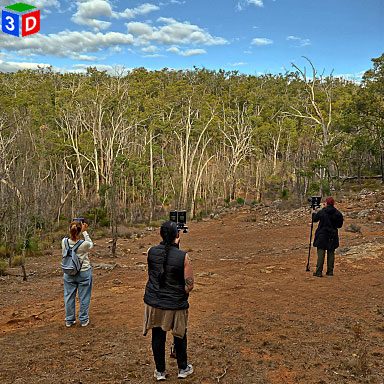 WA 3D Club Outing |
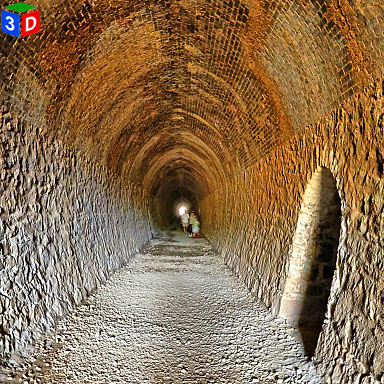 Swan View Tunnel Interior |
10:16 Format Stereo Photography by Sarah Ewen
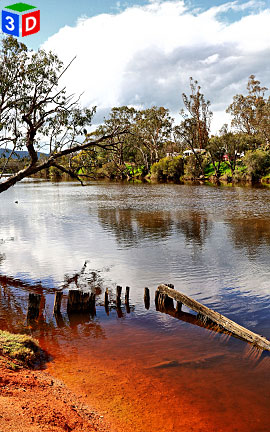 Avon River |
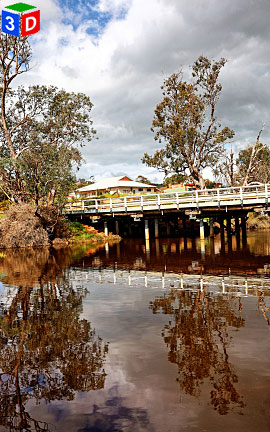 Bridge at York |
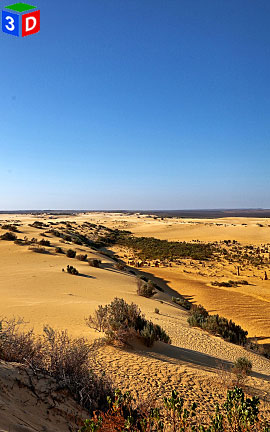 Cervantes Dunes |
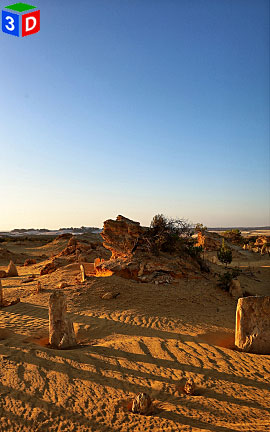 Cervantes Sunset |
 Dry Creekbed |
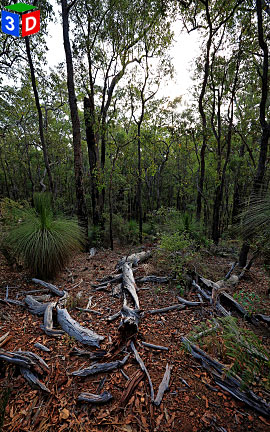 Fallen Giant |
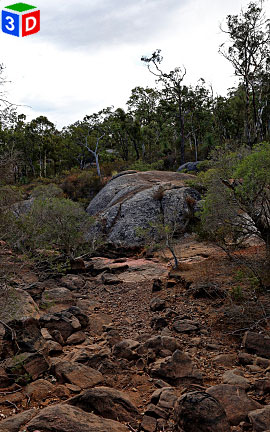 Granite Boulders |
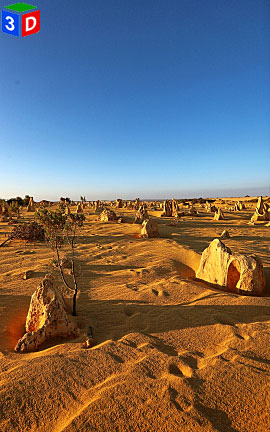 Leave Only Footprints |
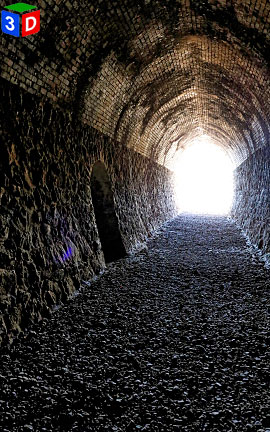 Light at the end of the Tunnel |
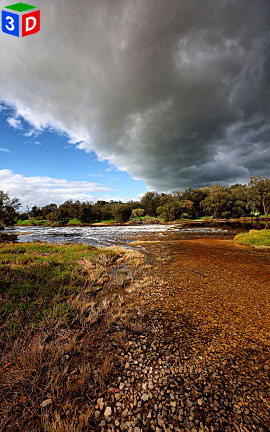 Old River Ford |
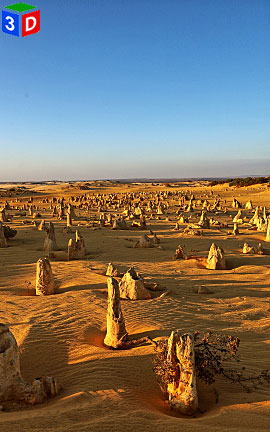 Pinnacles Desert |
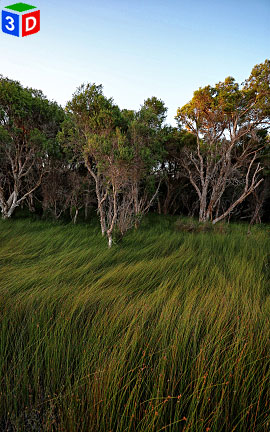 Summer Breeze |
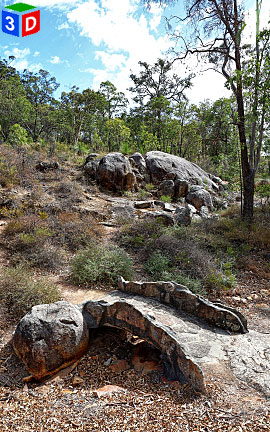 Stone Walk Bridge |
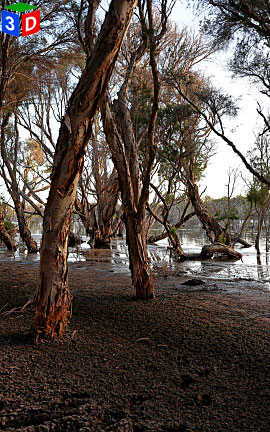 Yellagonga |
 |
10:16 Format Stereo Photography by Jana Ewen
 Herdsman Lake |
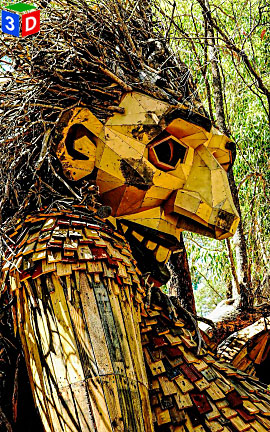 Vertical Giant |
|
- 3D180 Viewer Quick Reference (click/tap to show)
| Menu | Dropdown | Key | Function |
|---|---|---|---|
| Full | Enter | Full-Screen mode (if supported by your browser) | |
| Tch | Head tracking ⇐⇒ touch scrolling switch when on a phone | ||
| Stereo | S | Dropdown menu for the stereo viewing method |
|
| SBS | Side by side (Computer monitor, Tablet, Large Print or Smart Phone 3D and VR Viewers) | ||
| LR/RL | Stacked SBS for Parallel/Cross view (free-viewing) | ||
| Colour | Colour Anaglyph (Red-Cyan glasses required) | ||
| H_Int. | Column Interlaced (Passive 3D monitor and Circular Polarised glasses required) | ||
| 2D | Single Image View | ||
| <- | Back space | Previous Image | |
| -> | Space Bar | Next Image | |
| M | Show/Hide menu buttons | ||
| arrow keys | Position adjustment of left and right images | ||
| K/L key | Rotation adjustment of left and right images | ||
| Home key | Adjustment value clear | ||
| Mouse (PC) | Mouse wheel | Zoom in/out | |
| Double click | Show/Hide menu buttons | ||
| Mouse drag | Scroll through the images | ||
| Touch Screen | Pinch | Zoom in/out | |
| double taps | Show/Hide menu buttons | ||
| Touch scroll | Tch <-> Dev button, You can switch between touch scrolling <-> head tracking. Even in head tracking mode, you can do horizontal touch scrolling |

Click or tap on any photograph showing this icon to launch the HTML5 3D180 Viewer
Mouse Scroll/Finger Pinch or Spread to move in and out, Mouse/Finger drag to look up, down, left, right. The perspective changes to follow your point of focus
180 VR Stereo Photography by Jeff Ewen
 London Court Arcade |
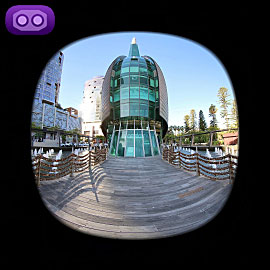 The Bell Tower |
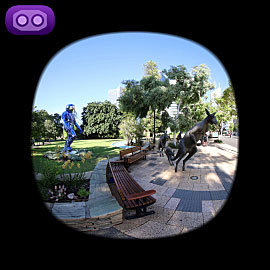 Kangaroos on the Terrace |
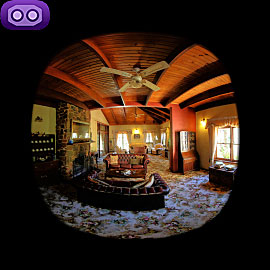 Holberry House Interior |
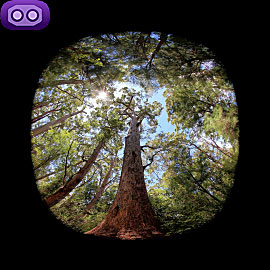 Valley of the Giants Canopy |
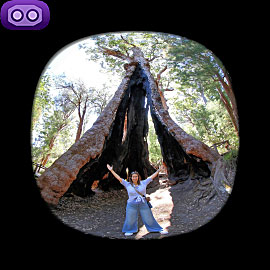 Giant Tingle Tree |
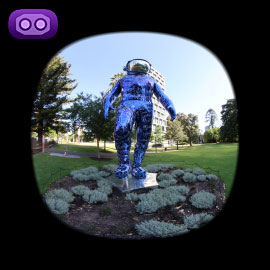 Boonji Spaceman Sculpture |
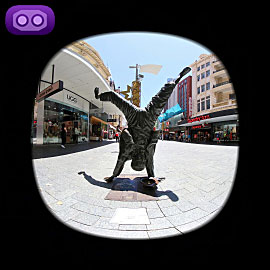 Percy Button Sculpture |
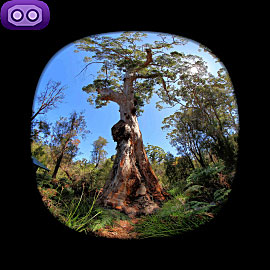 Ancient Empire Walk |
...
Western Australian 3D Club - Real digital stereoscopic photographs.
Contact us by clicking here.